Making Your Outdoor Heating Actually Smart
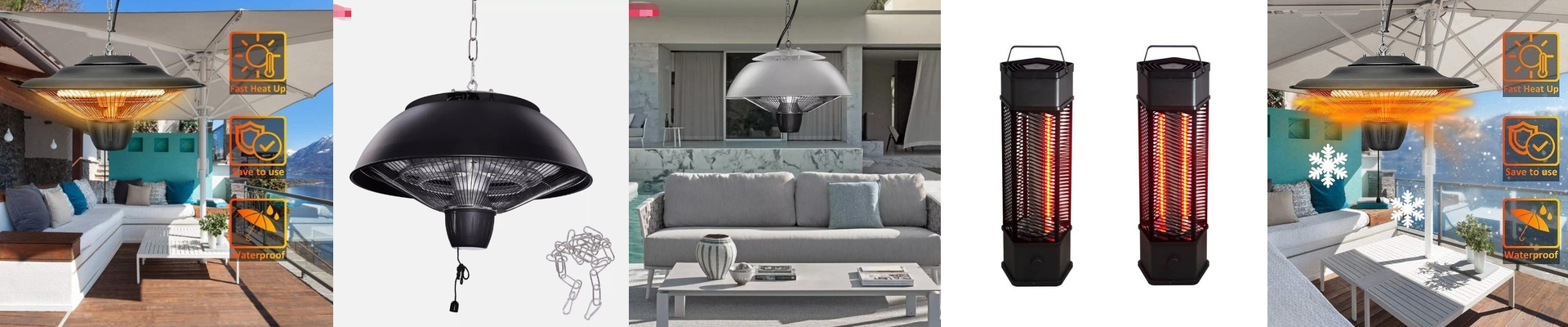
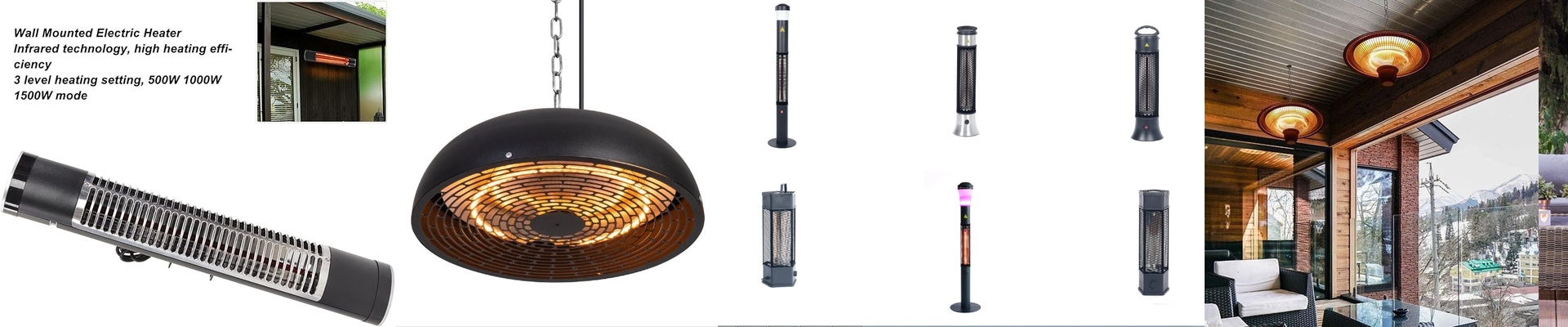
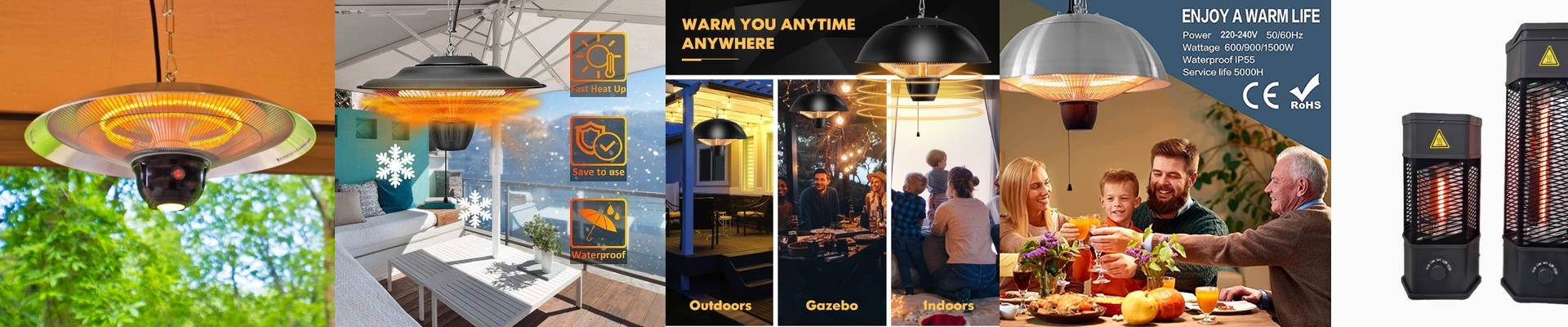
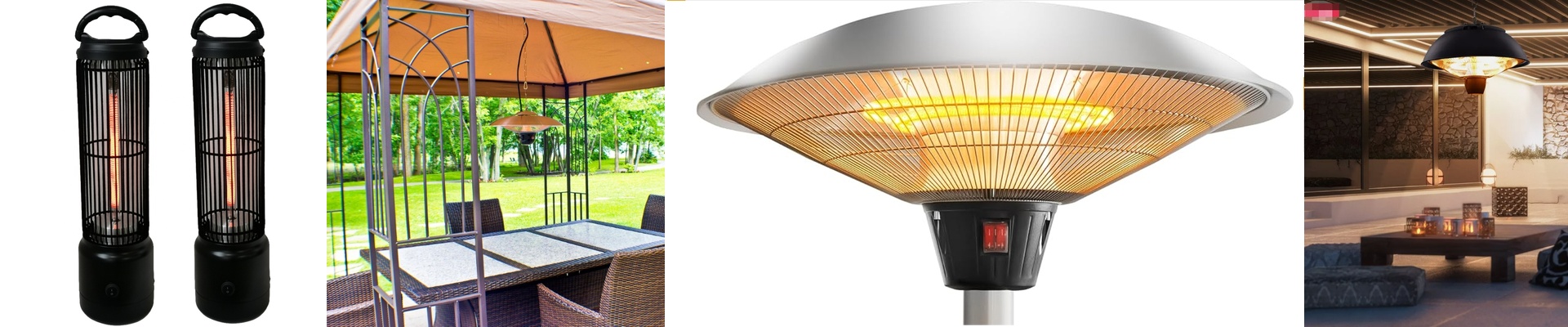
We build our infrared heaters with an IP65 rating because, let’s be honest, bathrooms and patios are messy. They get splashed, they get dusty, and they’re generally hostile places for electronics. By hooking these up to a smart home system, you stop messing with clunky manual switches and start letting the house handle the temperature for you. The dream is simple: tap a button on your phone and feel the warmth hit you instantly. The gear under the hood That IP65 label basically means we’ve sealed everything up with gaskets and corrosion-resistant casings. You don’t have to worry about a bit of rain or steam killing the unit. But the real magic is in how it heats. Most heaters try to warm up all the air in the room, which takes forever. Ours use short-wave infrared radiation. It skips the air entirely and goes straight for your skin and your furniture. It’s fast. Really fast. Getting it to play nice with your smart home If you want that “one-click” feeling, you’ll need to connect the heater to a smart relay or something like a Zigbee or Matter controller. Just a heads-up: you’re dealing with a high-amp circuit here. I highly recommend using solid-state relays (SSRs). Old-school mechanical relays tend to arc and burn out when they hit those high currents, but SSRs handle the load without breaking a sweat. A few things to watch out for Here is where people usually trip up. These heaters pull a lot of power. If you’re putting a bunch of them in one zone, double-check your wire gauge. If the wires are too thin, they’ll get hot and your voltage will drop, which is a recipe for a bad day. And then there are the sensors. Don’t put your temperature probe right in the line of fire. If the sensor feels the direct heat from the lamp, it’ll think the room is boiling and shut the system off way too early. Keep your sensors in the “shadow” of the heater. That way, you get a real reading of the air, and your heater stays on exactly as long as it needs to.